

UIDAI पोर्टल पर जाने की जरूरत नहीं, अब सीधे WhatsApp के जरिए डाउनलोड कीजिए अपना Aadhaar Card; बस सेव कर लीजिए ये नंबर
Aadhaar on WhatsApp: आधार कार्ड डाउनलोड करने के लिए आमतौर पर लोग UIDAI पोर्टल पर जाते हैं। हालांकि, अब आप अपना आधार कार्ड सीधे व्हाट्सएप से डाउनलोड कर सकते हैं। इसके लिए आपके पास आधार लिंक मोबाइल नंबर, DigiLocker अकाउंट और MyGov Helpdesk का आधिकारिक WhatsApp नंबर +91-9013151515 होना चाहिए।
- फोटो गैलरी
- 1 min read

;'%3e%3cpath%20d='m8,15.99c4.41,0,7.99-3.58,7.99-7.99S12.41,0,8,0,0,3.59,0,8s3.58,7.99,7.99,7.99Z'%20style='stroke:%23fff;%20stroke-miterlimit:10;%20stroke-width:.02px;'/%3e%3cpath%20d='m3.08,3.37l3.82,5.11-3.84,4.15h.87l3.37-3.64,2.72,3.64h2.94l-4.04-5.39,3.58-3.87h-.86l-3.1,3.35-2.5-3.35h-2.94Zm1.27.64h1.35l5.97,7.99h-1.35l-5.97-7.99Z'%20style='fill:%23fff;'/%3e%3c/g%3e%3c/svg%3e)


1/6
|

|

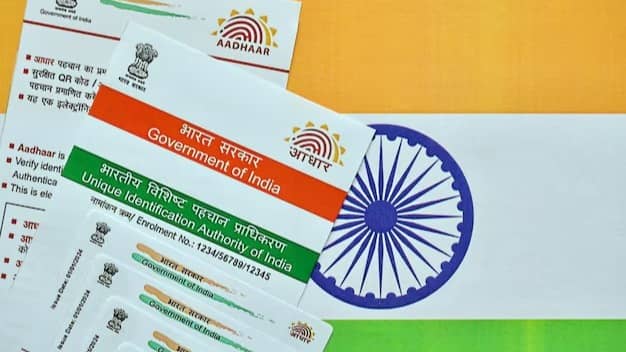
+91-9013151515 नंबर को अपने फोन में MyGov Helpdesk के नाम से सेव कर लें और व्हाट्सएप पर चैट शुरू करें।
Image: Freepik 2/6
|
|

चैट में नमस्ते या Hi लिखकर भेजें और फिर DigiLocker Services ऑप्शन को चुनें।
Advertisement
3/6
|
|
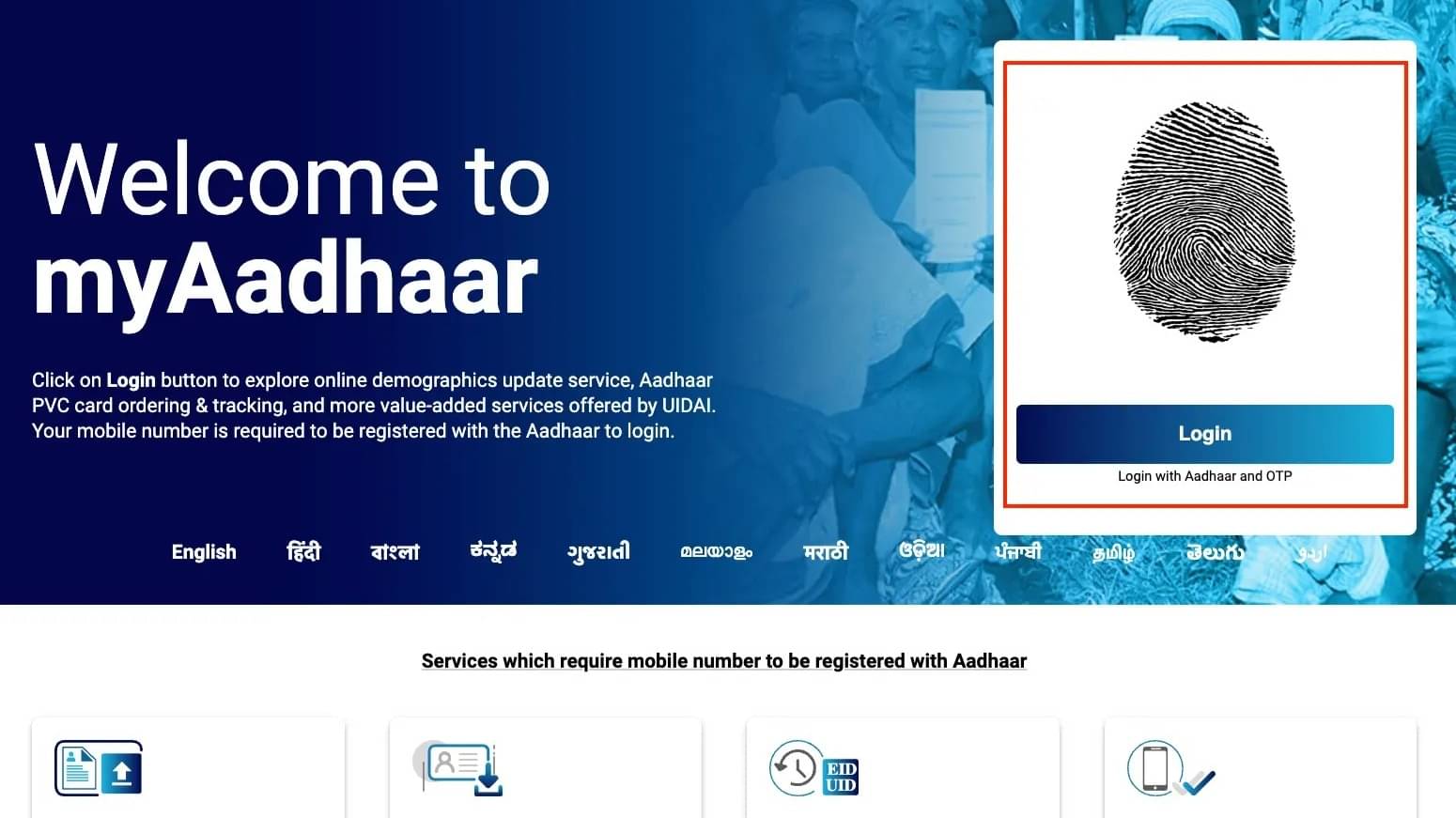
इसके बाद अपना आधार नंबर दर्ज करें। रजिस्टर्ड नंबर पर ओटीपी आएगा।
Image: UIDAI 4/6
|
|

इसके बाद डिजीलॉकर के सभी डॉक्यूमेंट्स आपके सामने होंगे।
Image: UIDAIAdvertisement
5/6
|
|
आपको उसमें से आधार कार्ड को चुनना है।
Image: UIDAI 6/6
|
|
कुछ ही सेकेंड में आपका आधार कार्ड Pdf फॉर्मेट में आपके पास होगा।
Image: X